
Do you have what it takes?
Final Vectors is a fast paced arcade game that puts you in the hot seat of a busy air traffic controller. Select an aircraft and create a path to its landing zone. Keep aircraft apart and hold your nerve.
Buy now, £7.99. Instant download.
One-off purchase, no subscription, no account, no ads.
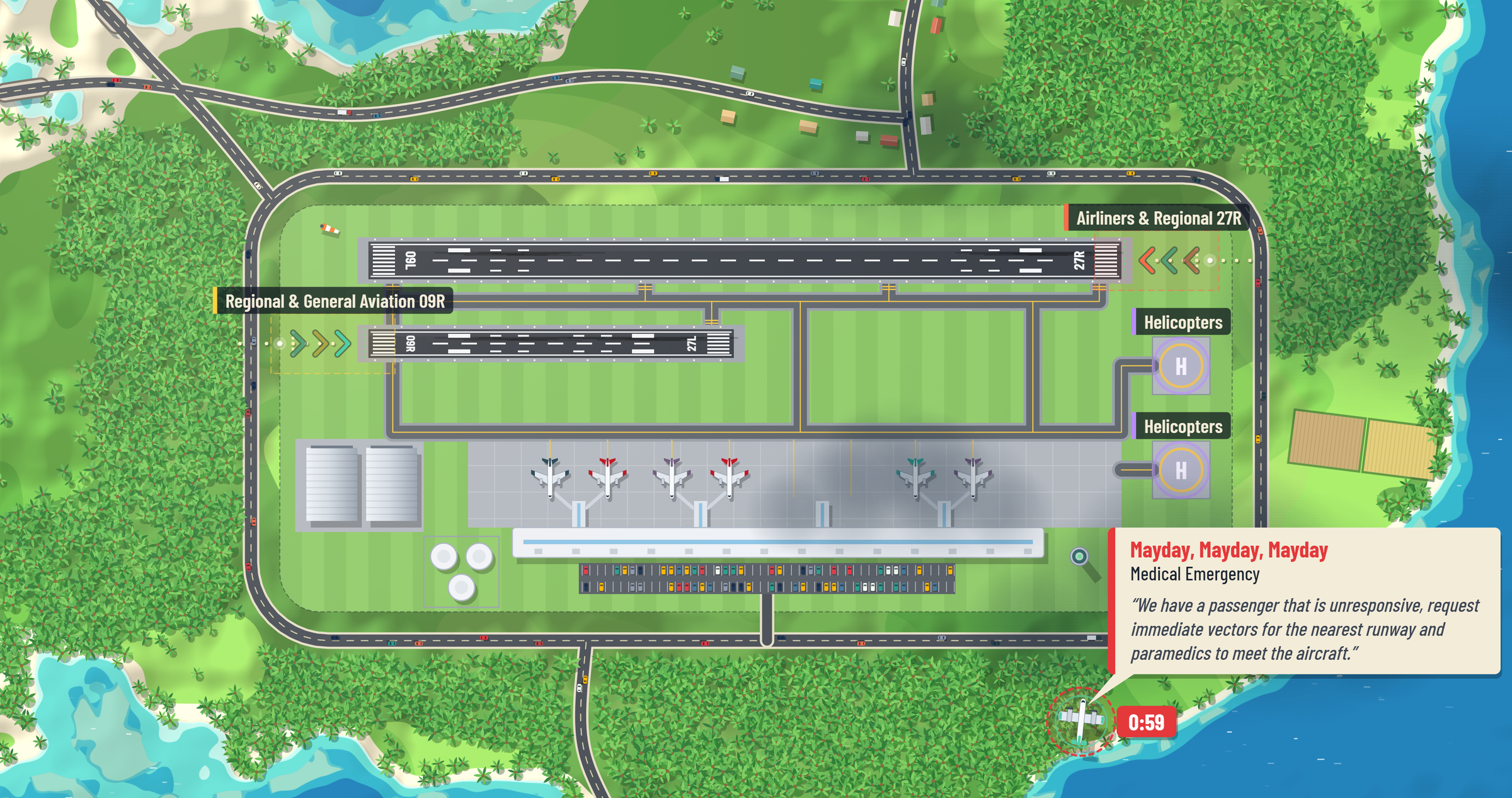
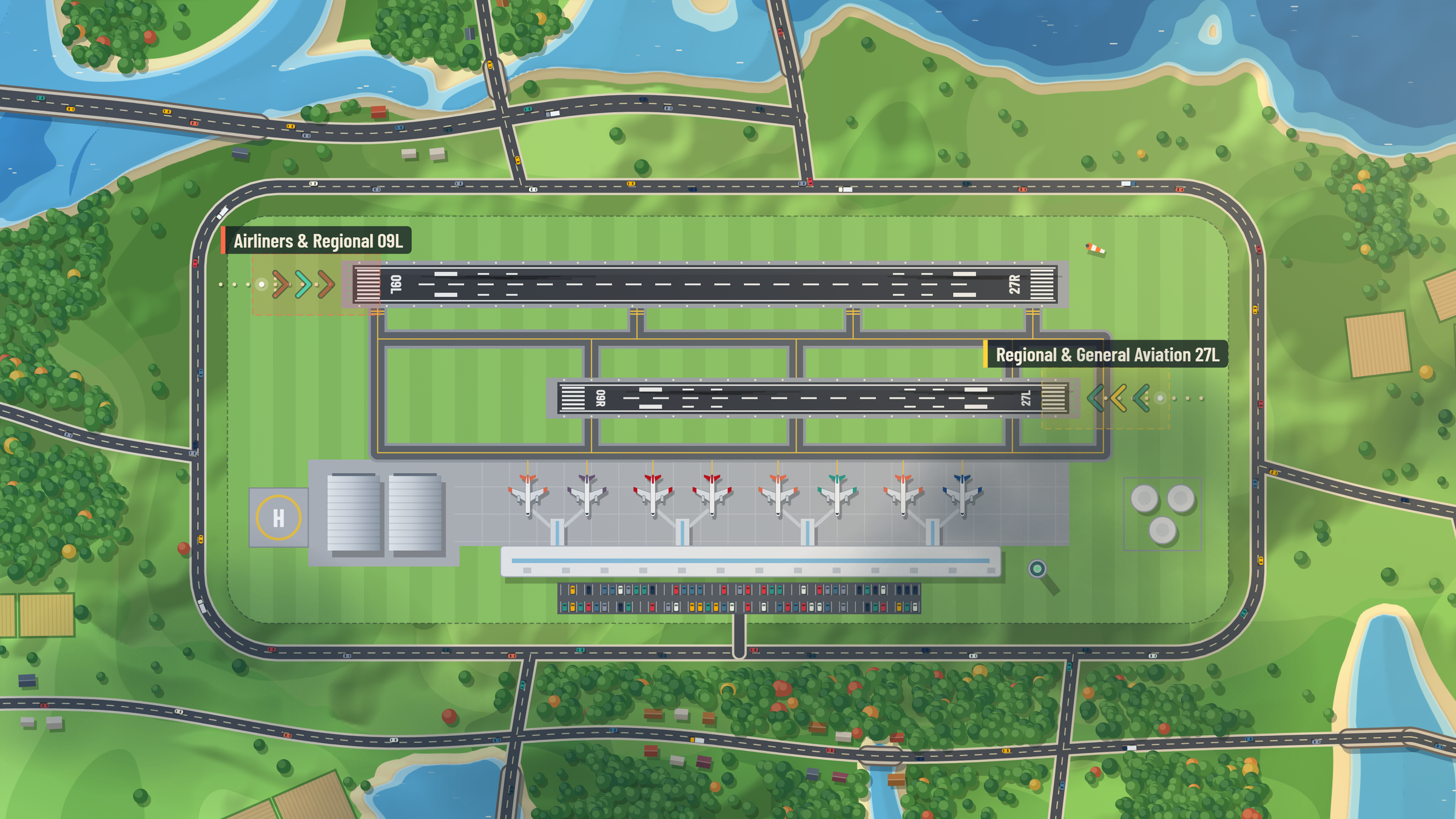
Cleared to land, runway 09L
- 1
Touch or click on an aircraft and draw a path to its designated runway or heliport. Any shape, any length, as long as it gets there.
- 2
Keep your aircraft separated until they land safely. Once it touches down, it’s points on the board.
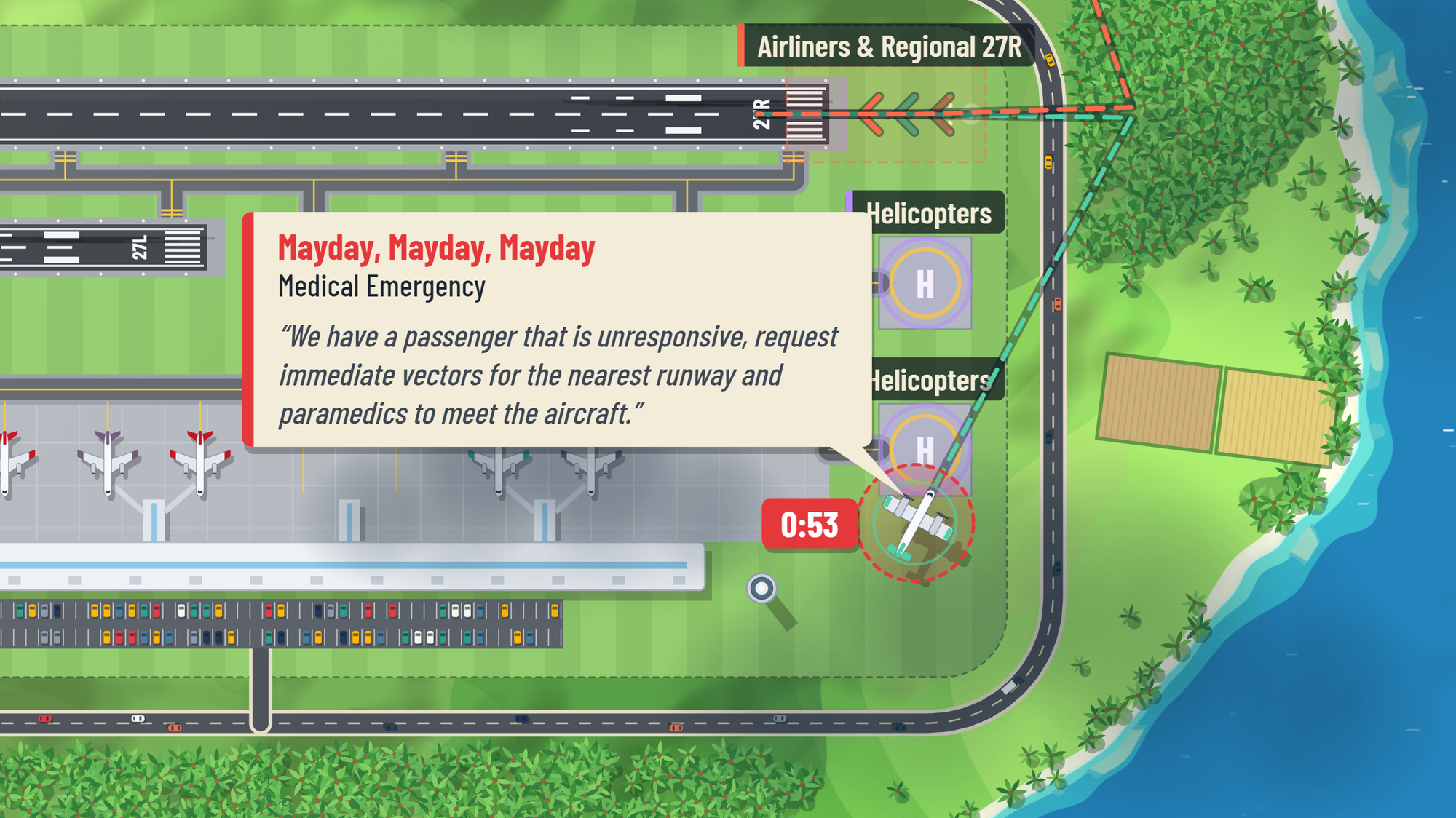
In-flight emergencies, drones, slow moving aircraft and airport incidents that close the runway. Can you handle the challenge?
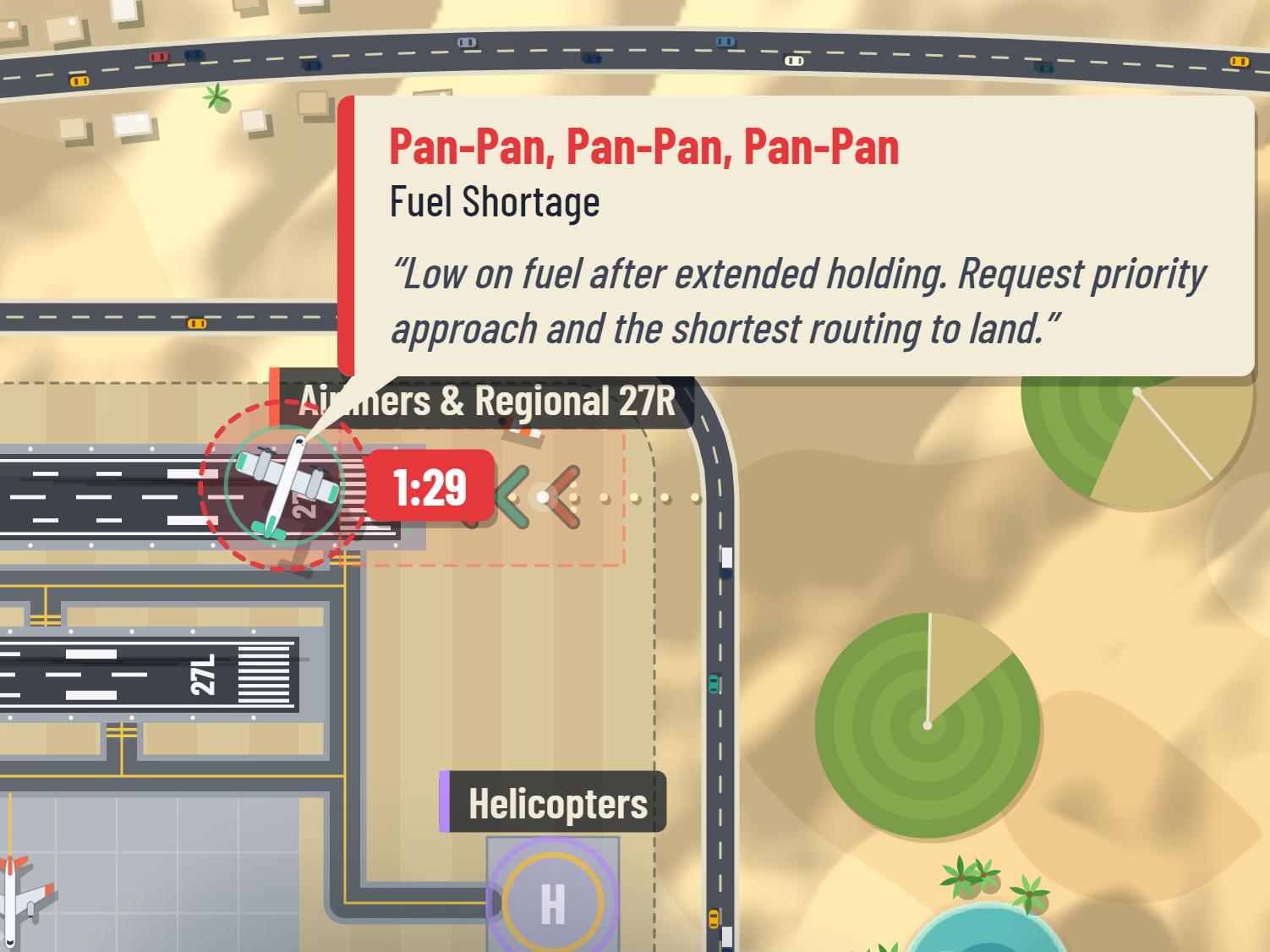
Pan-Pan, Pan-Pan, Pan-Pan
Hold anyone too long and they run low on fuel. Ninety seconds and a priority approach, or they do not make it back.
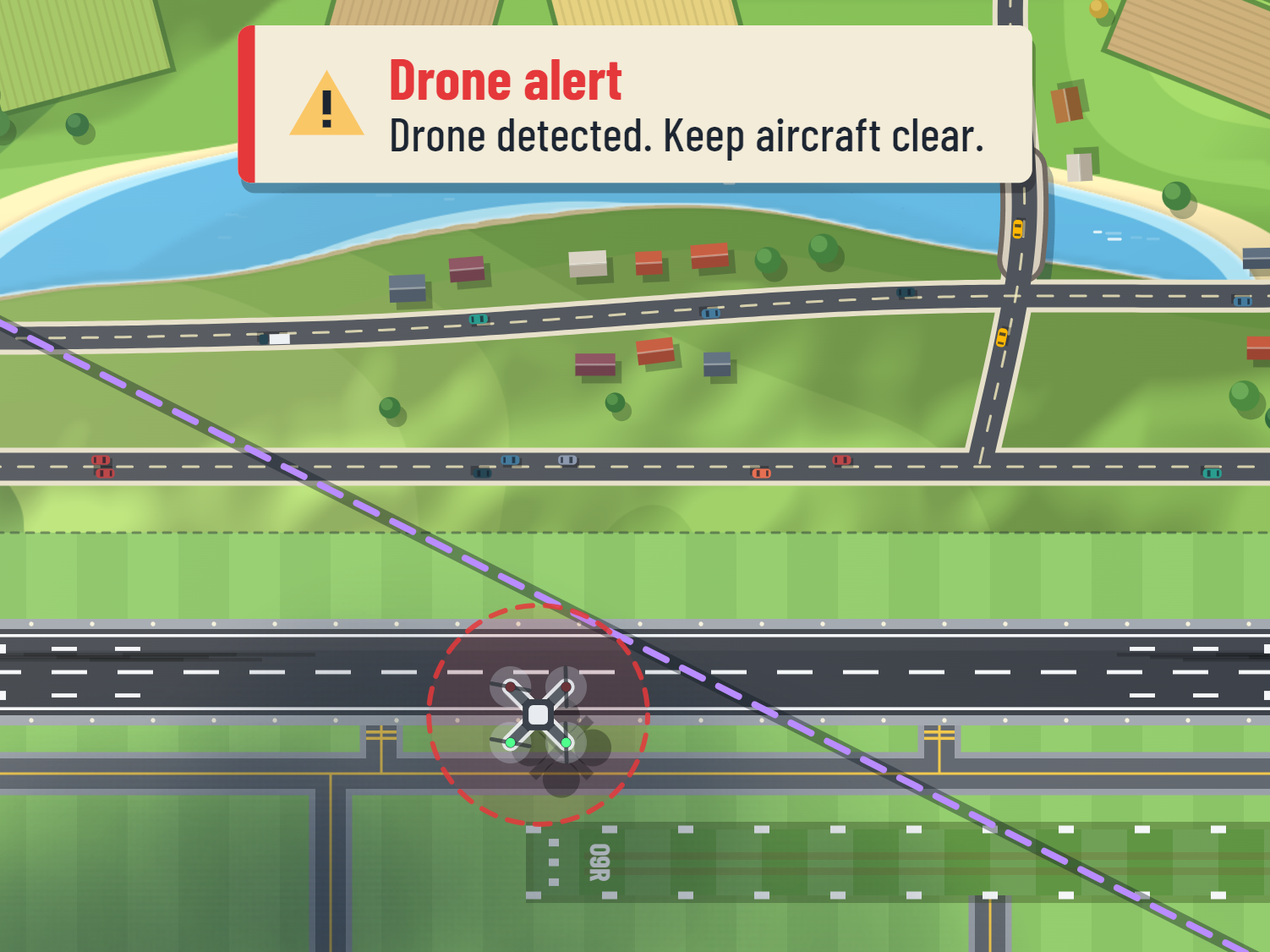
Drones
Lifts off near the field and wanders. Route everything around it, because anything that touches it goes down.
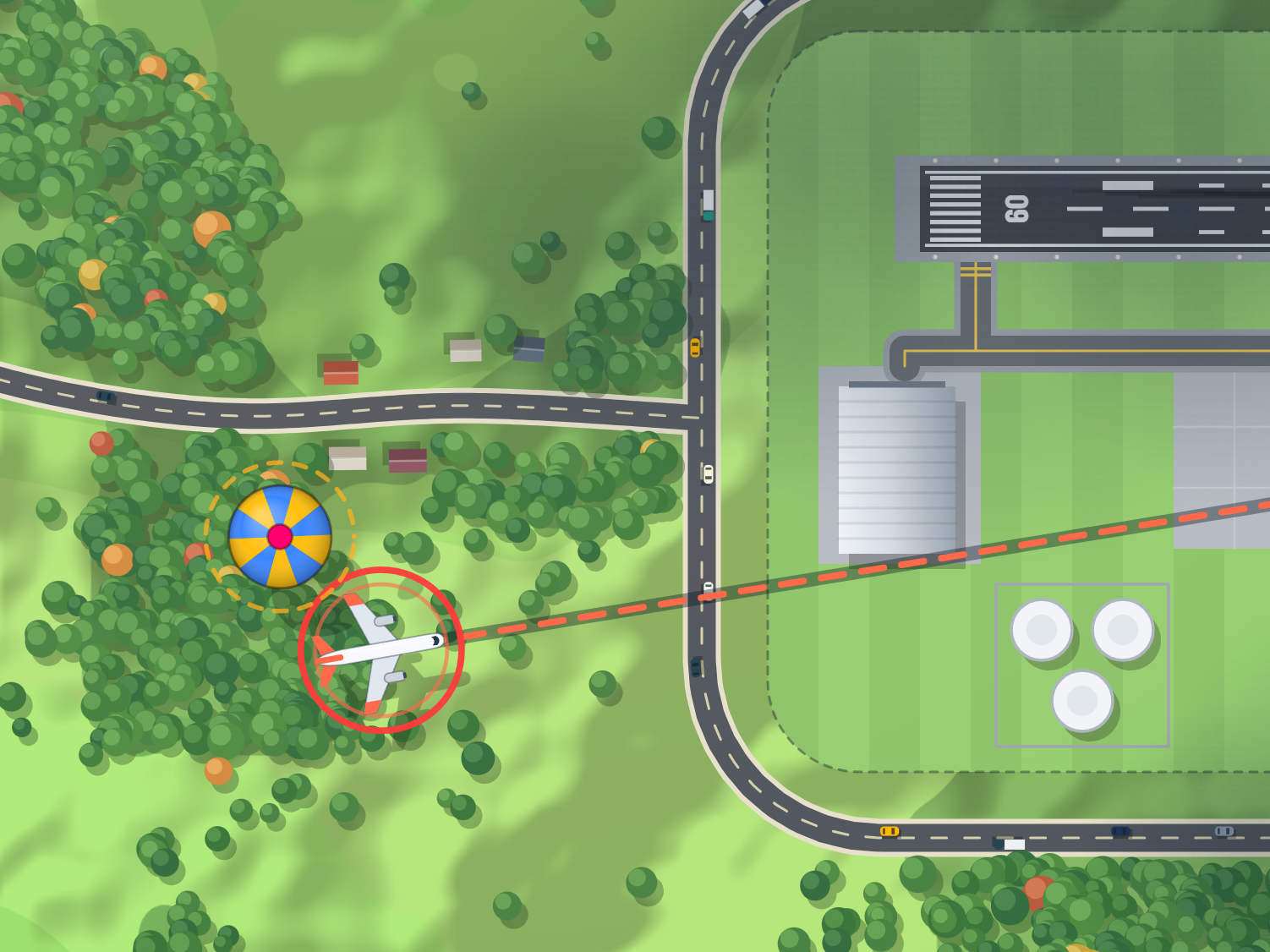
Hot Air Balloon
Announced like an arrival, carried by the wind, impossible to steer. Slow, silent, and exactly where you did not want it.
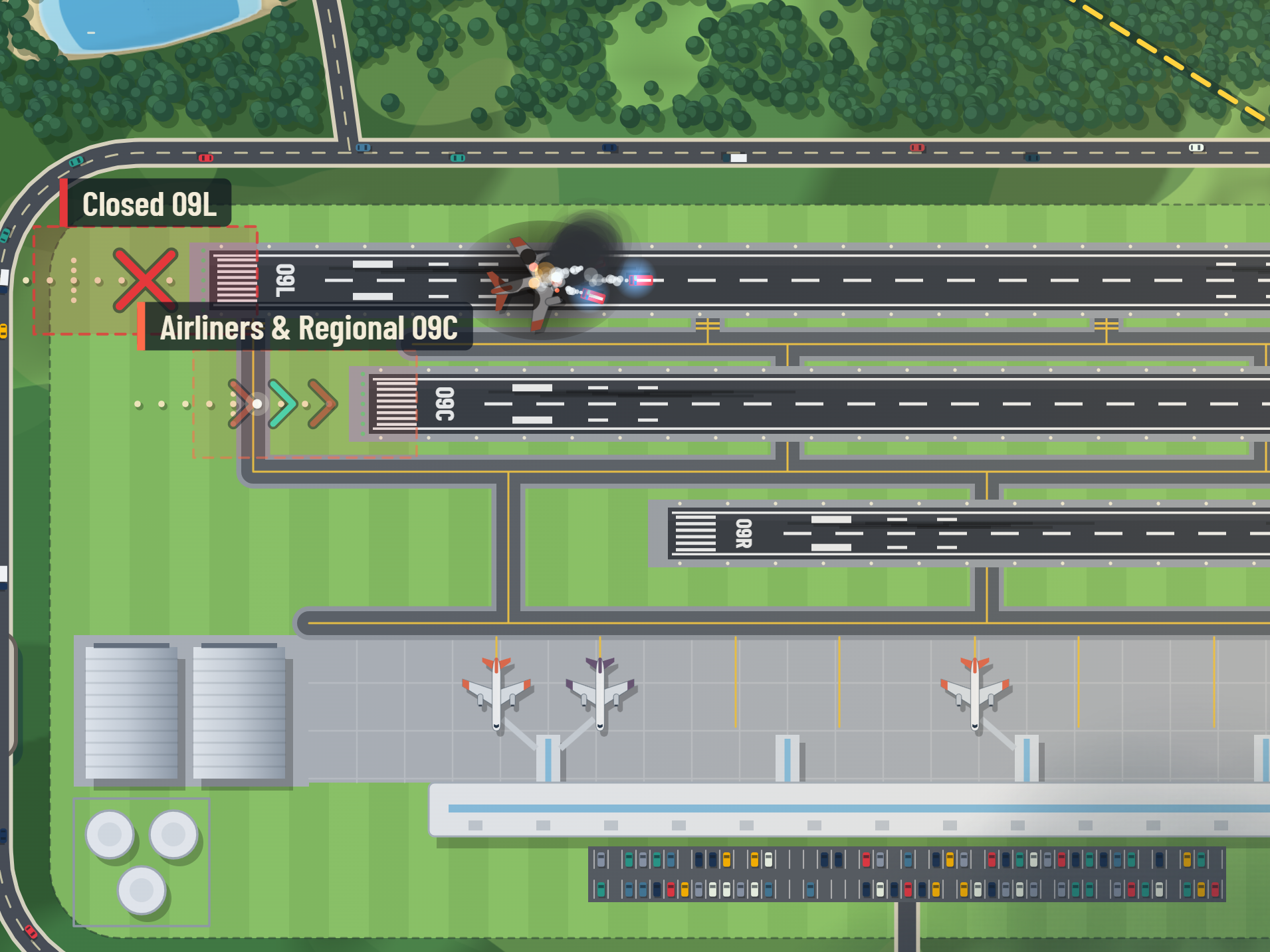
Airport Incidents
A landing goes wrong. The runway closes while the trucks roll, and everything lined up for it needs somewhere else to go.
Can you make it through all 6 shifts?
Complete a challenge to unlock the next airport. Bigger airports, bigger challenges. Once unlocked, each airport is playable in arcade mode - unlimited traffic, a top 5 score board and no objective to save you.
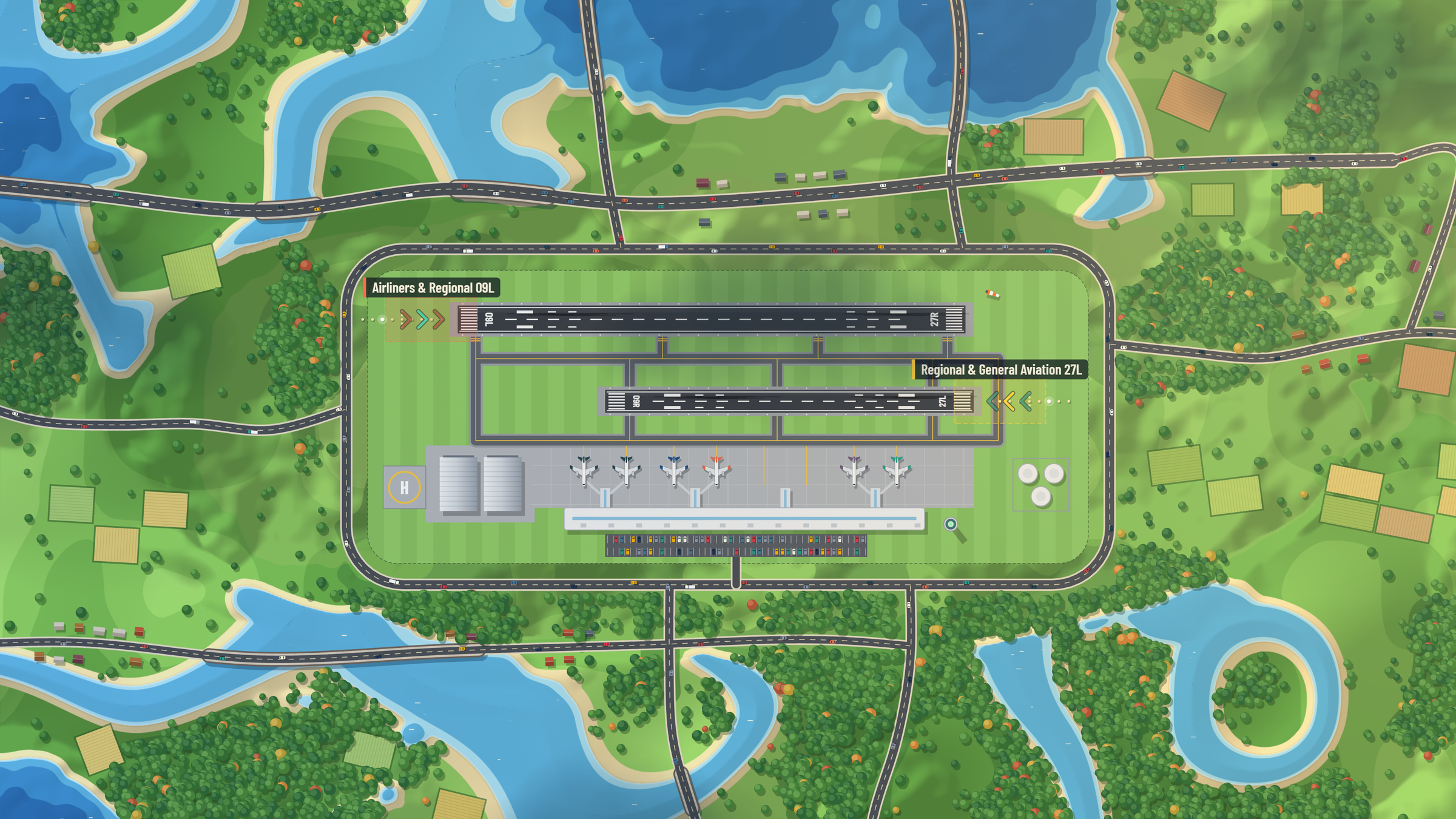
River Valley
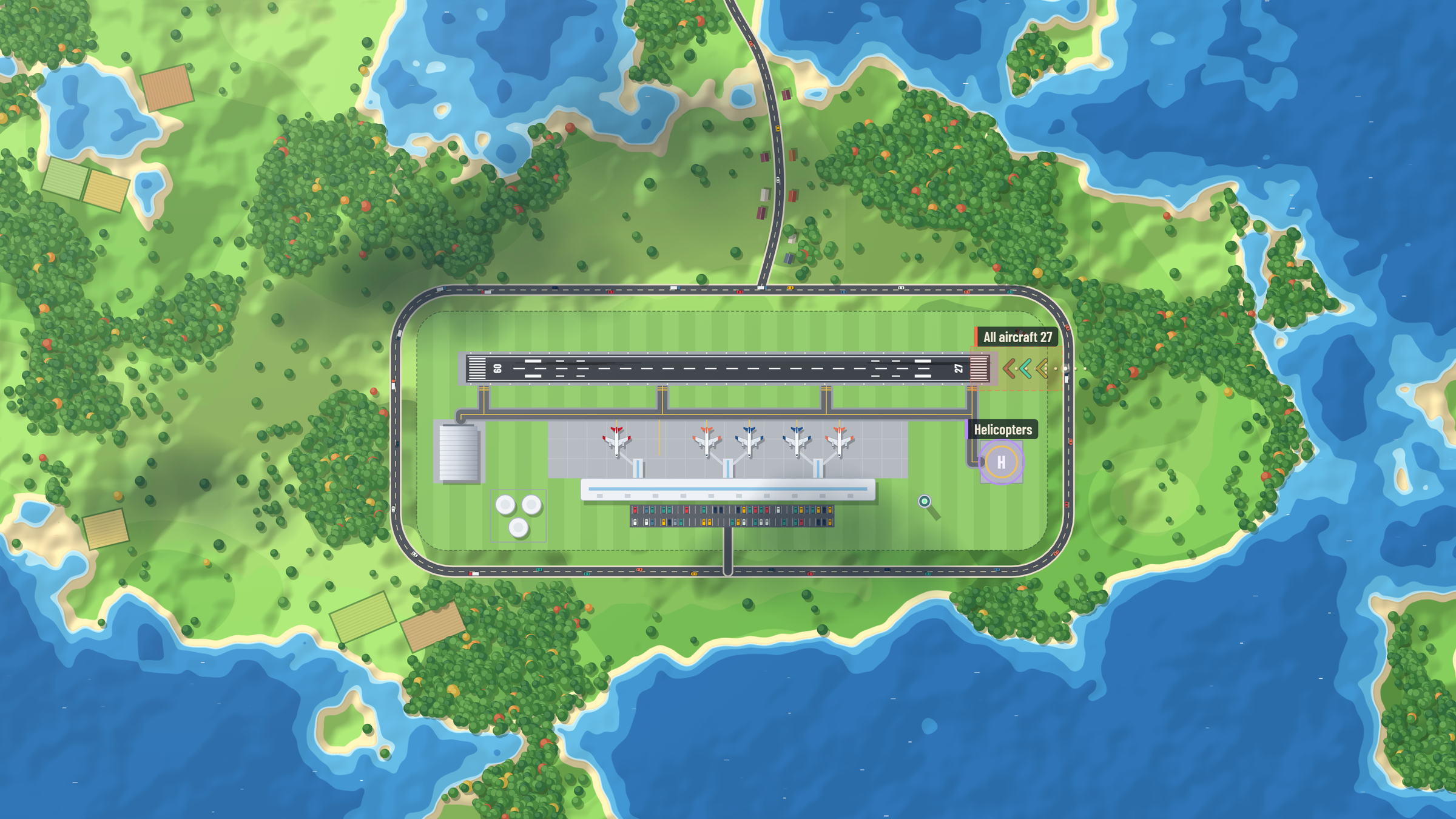
Island Archipelago
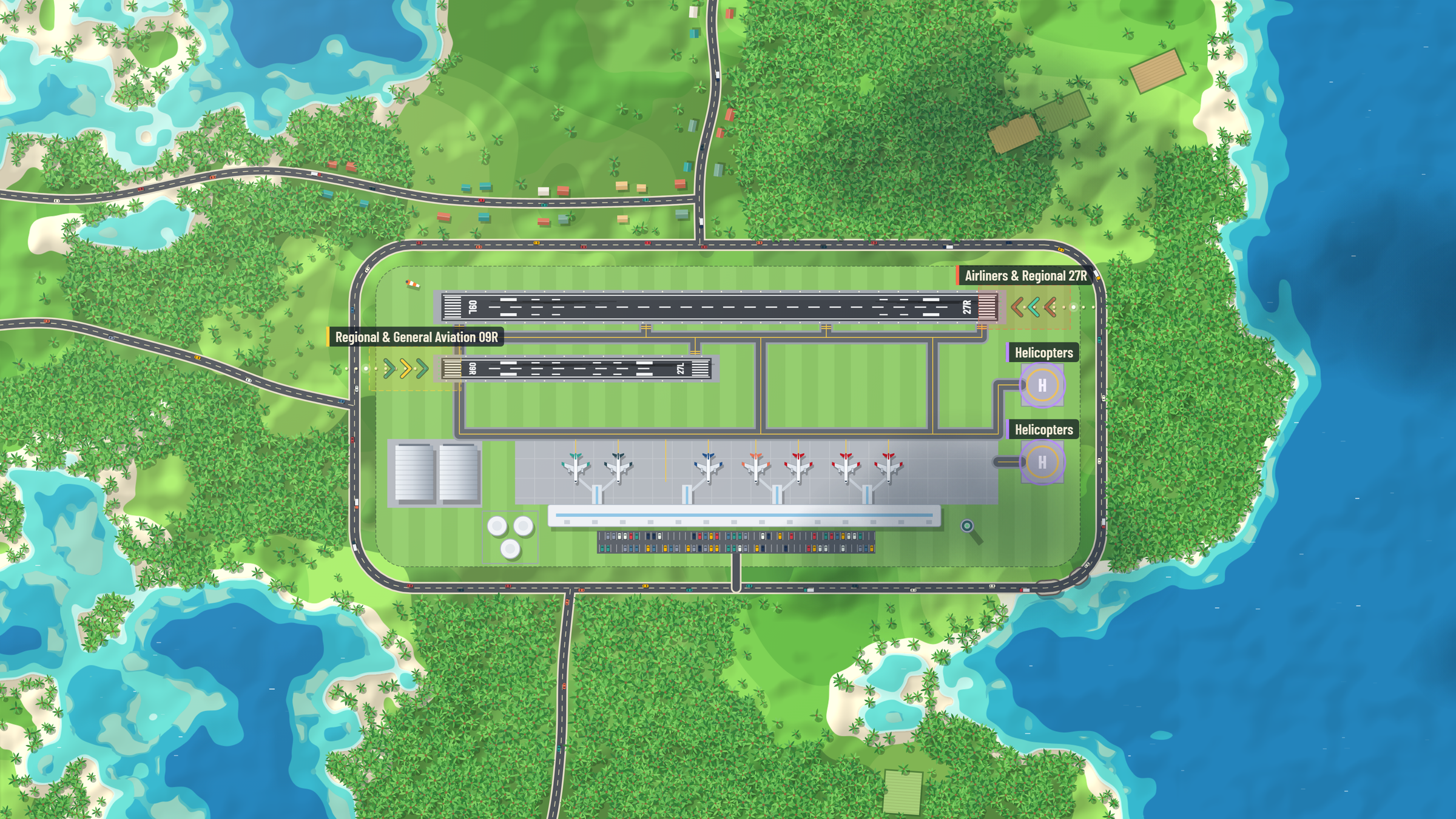
Tropical Coast
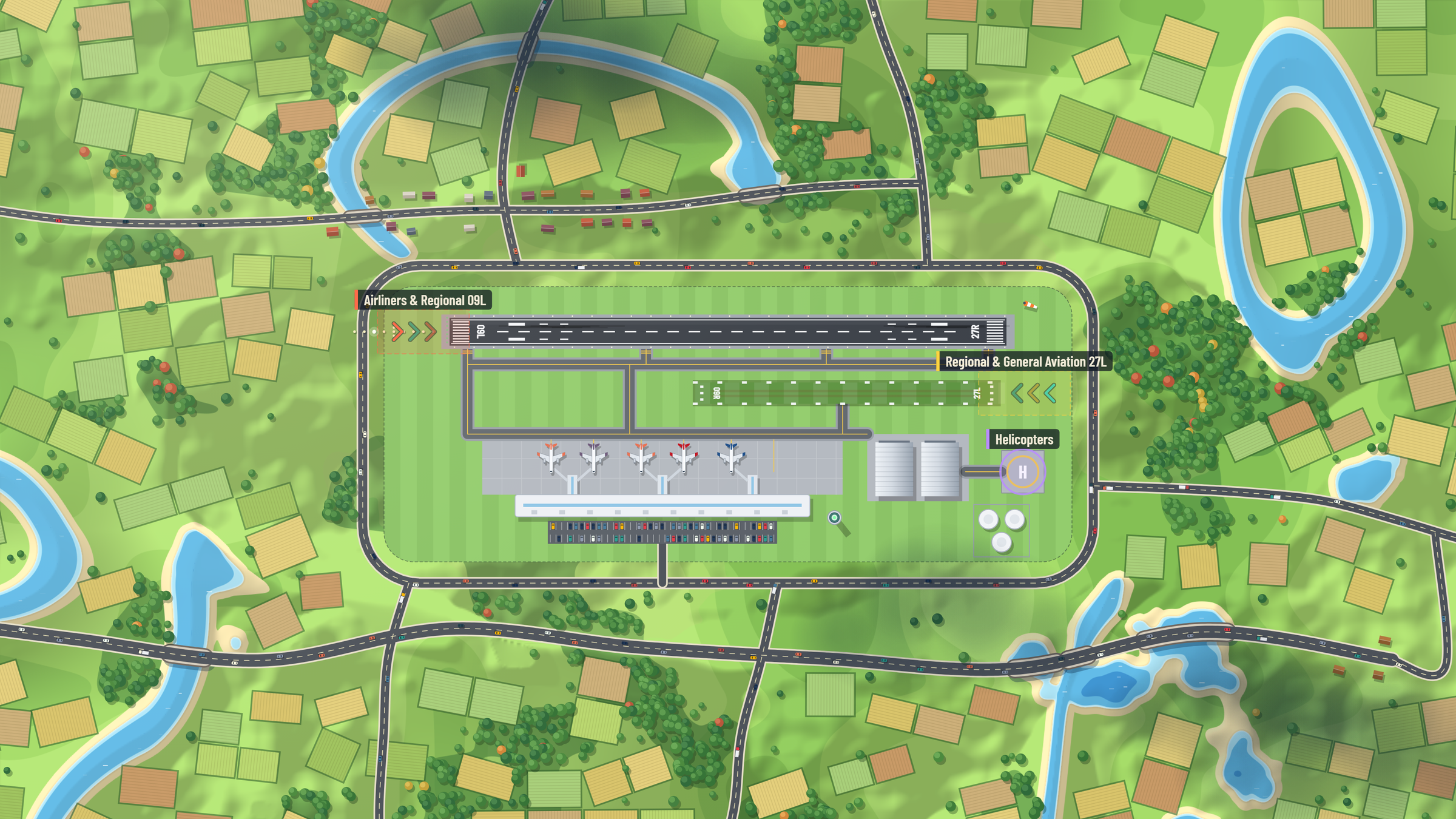
Harvest Fields
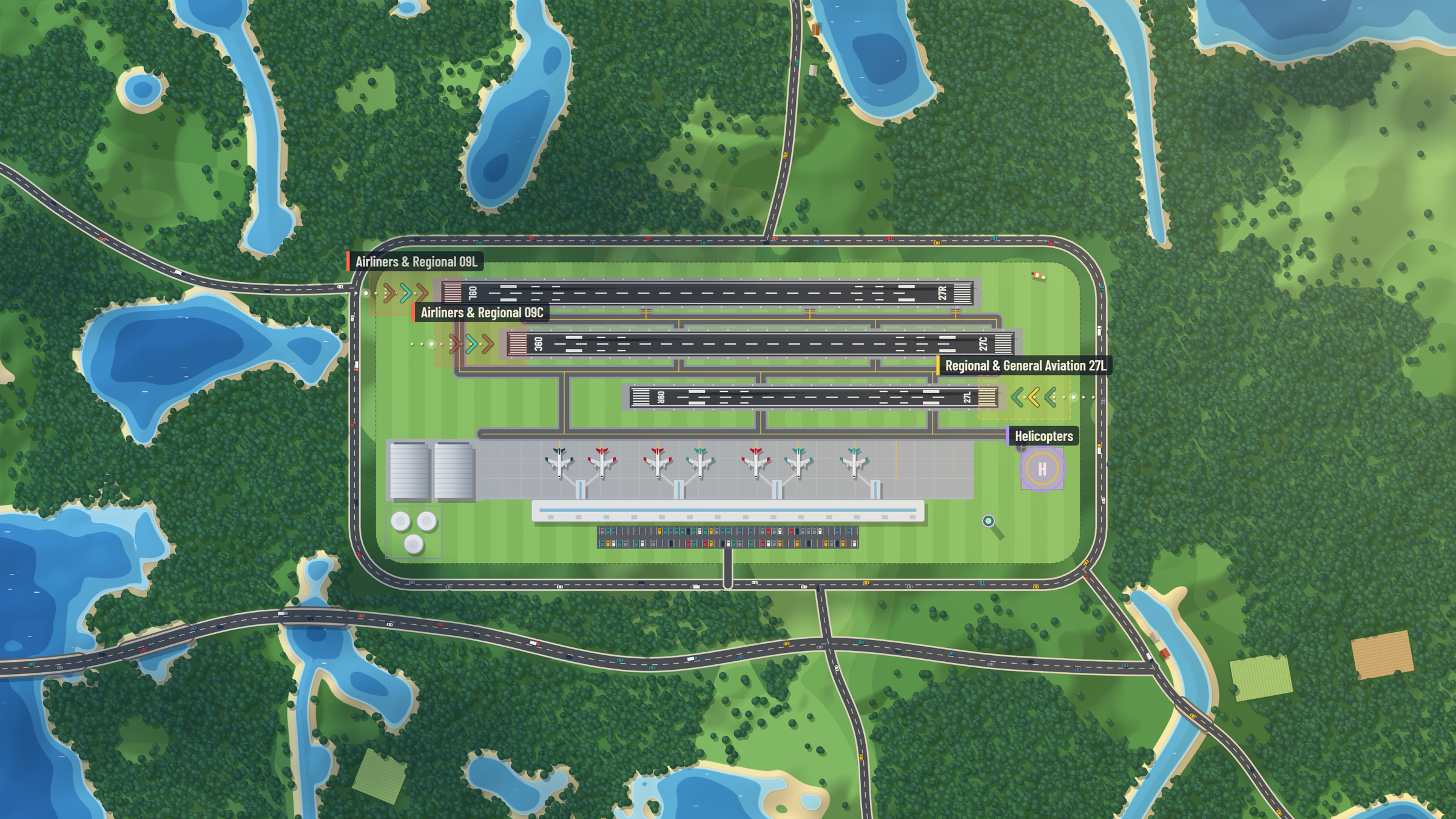
Forest & Lakes
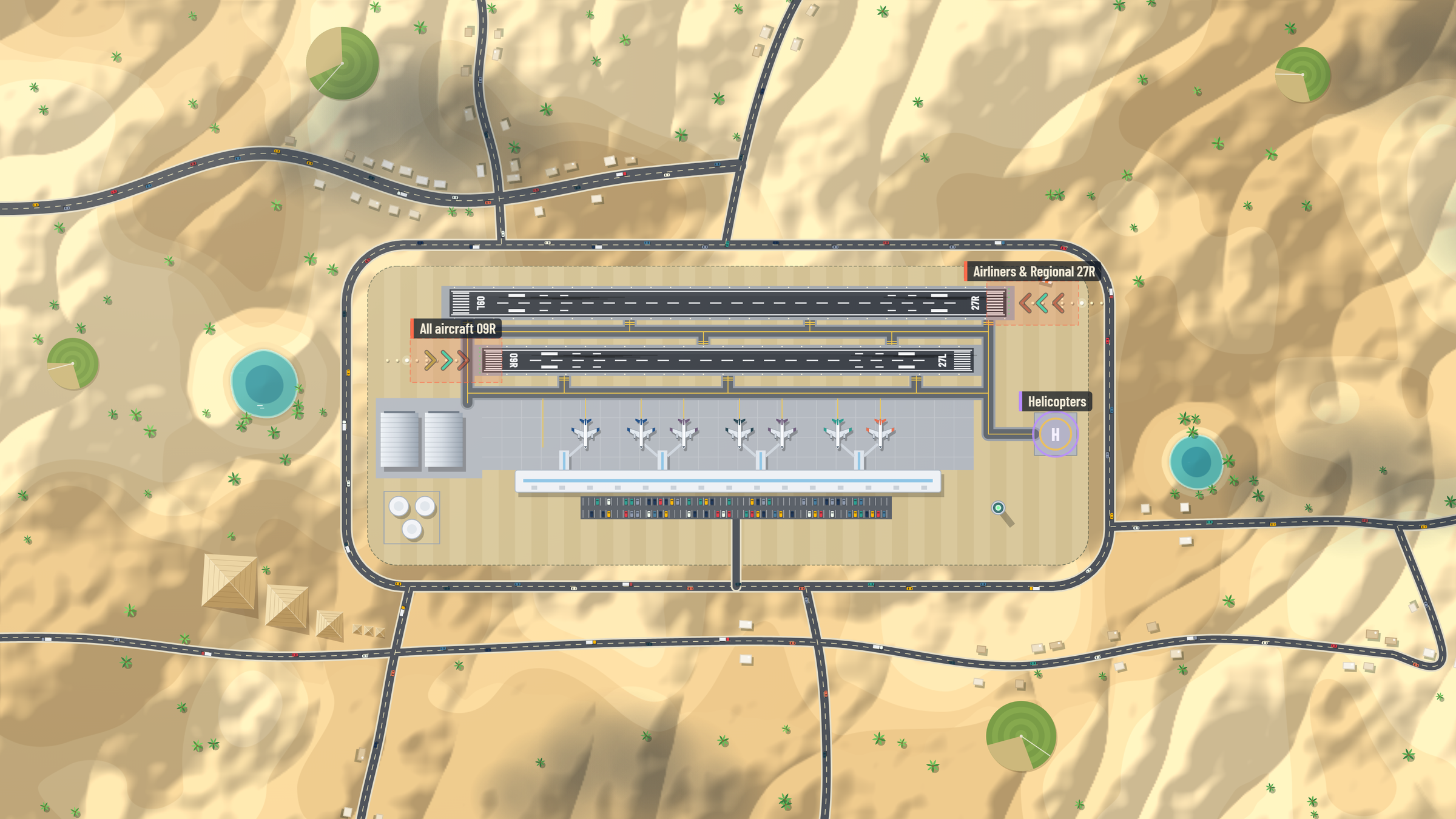
Desert Oasis
Frequently asked questions
Which devices does it run on?
iPhone, through the App Store. Windows 10 and 11 PCs, with touch or mouse, full screen or windowed. And the Corsair Xeneon Edge, as an XL widget inside Corsair iCUE. Each is its own edition, and progress stays on the device you play on.
Do I need an internet connection?
No. The game makes no internet connection at all: nothing to sign in to, nothing to stream, no analytics and no ads. It runs entirely offline on your device.
How does it get onto the Edge?
Double-click the .icuewidget file and iCUE imports it. Place the XL widget on the Edge from iCUE like any other, and the game runs at the panel’s native resolution with full audio, touch and mouse.